
Interactive OBS Overlays in 2026: How to Make Your Live Stream Come Alive
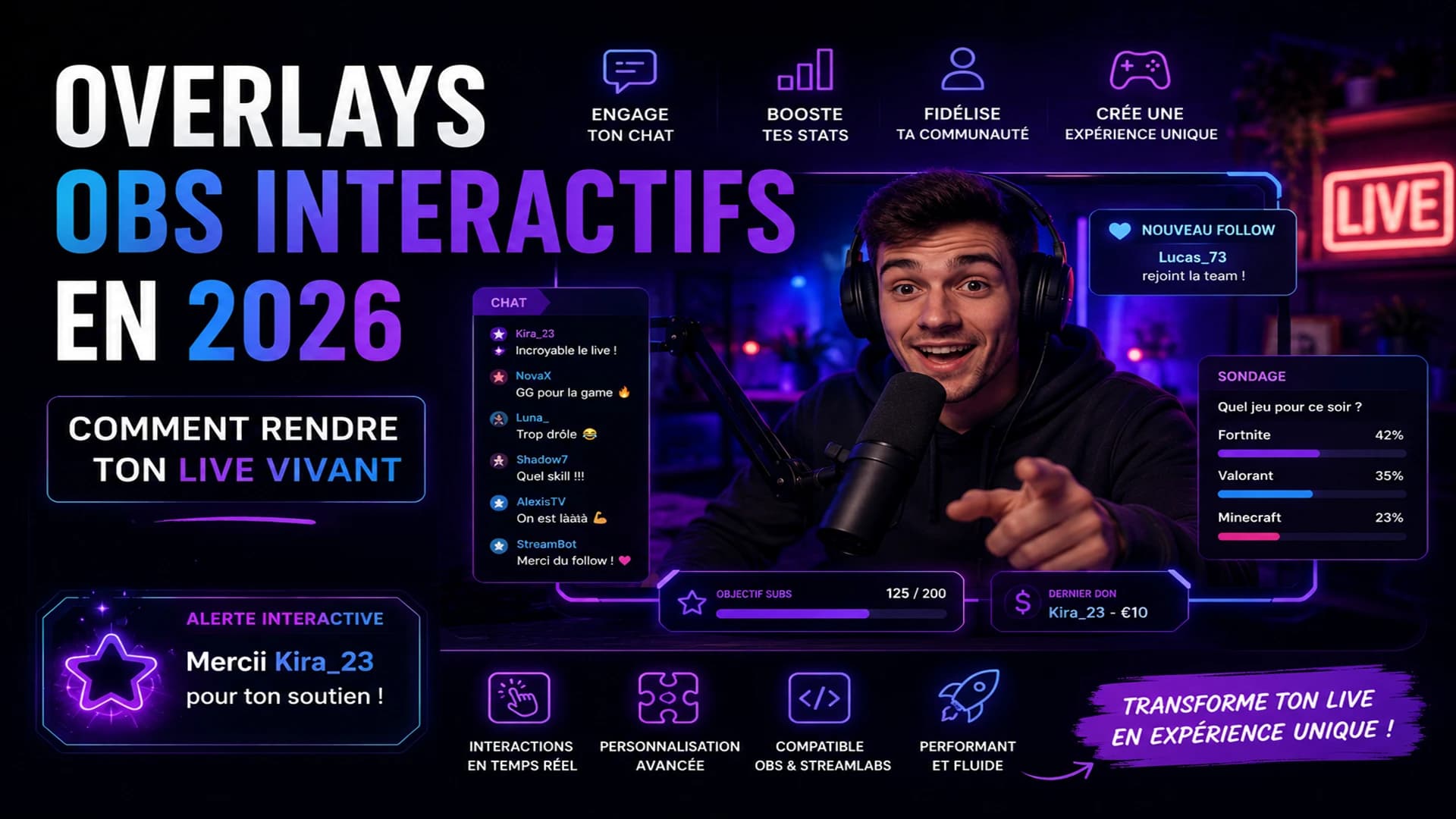
Why your stream needs interactive overlays in 2026
A stream without overlays is a radio show with a webcam. Today's viewers are used to visual spectacle — they're comparing your live to 50 others open in their browser.
Overlays aren't decoration. They're a communication layer between you and your chat: every alert, every animation, every widget tells your viewer "you're part of this live."
The 4 types of overlays that change everything
1. Event alerts
A sound, an animation, a message that pops on screen whenever a viewer follows, subscribes, donates, or sends a TikTok gift. This is the bare minimum — it rewards action in real time and makes others want to do the same.
2. Progress widgets (Goals)
A visible counter on screen: "Goal: 50 follows tonight." Chat tracks the progress together. When the goal is hit, the animation explodes. Collective dopamine.
3. Song Requests
Your community sends song titles, you play what they want. It's an interaction that lasts the entire stream, giving chat a reason to stay and actively participate.
4. Polls and chat wheels
"Chat decides" — real-time votes on what you do next, random spin wheels, challenges triggered by gifts. This is what creates viral, clip-ready moments.
Available events and actions in Metallium Studio
Metallium Studio centralizes all events from both platforms and lets you decide exactly what each one triggers.
Automatically detected events
TikTok Live: virtual gift (by value), new follower, like, comment, share, viewer join
Twitch: follow, subscription, resub, gift sub, bits/cheers, incoming raid, Channel Points, hype train
What you can trigger for each event
- Animation: from the Metallium library or imported (image, video, animated)
- Sound: from your custom audio library
- Goal: increment a progress counter visible on screen
- Timer: start, pause, or reset a live timer
- Song Request: confirm or skip the current track
- Spin wheel: trigger an automatic spin
- Chatbot: send an automatic message in chat
The rule that simplifies everything
The same setup works on TikTok and Twitch simultaneously. A TikTok gift and a Twitch sub can trigger the same animation — configure once, works everywhere.
Pro streamer best practices
- Don't overload the screen: 2—3 overlay zones maximum. An overlay covering your gameplay is a viewer clicking away.
- Keep visual consistency: colors, fonts, style — everything should speak the same language as your Metallium branding.
- Test before going live: use Metallium Studio's event simulator to trigger your alerts without being live.
- Sound matters as much as visuals: a silent alert goes unnoticed. A distinctive sound becomes your audio identity.
Conclusion
Interactive overlays are the difference between a stream people watch and an experience people participate in. And in 2026, the setup time has dropped dramatically.
Access Metallium Studio tools — set up your TikTok and Twitch overlays in under 10 minutes.